VRChat

【MA対応】Mobius Bracelet

  • ダウンロード商品
    ¥ 500

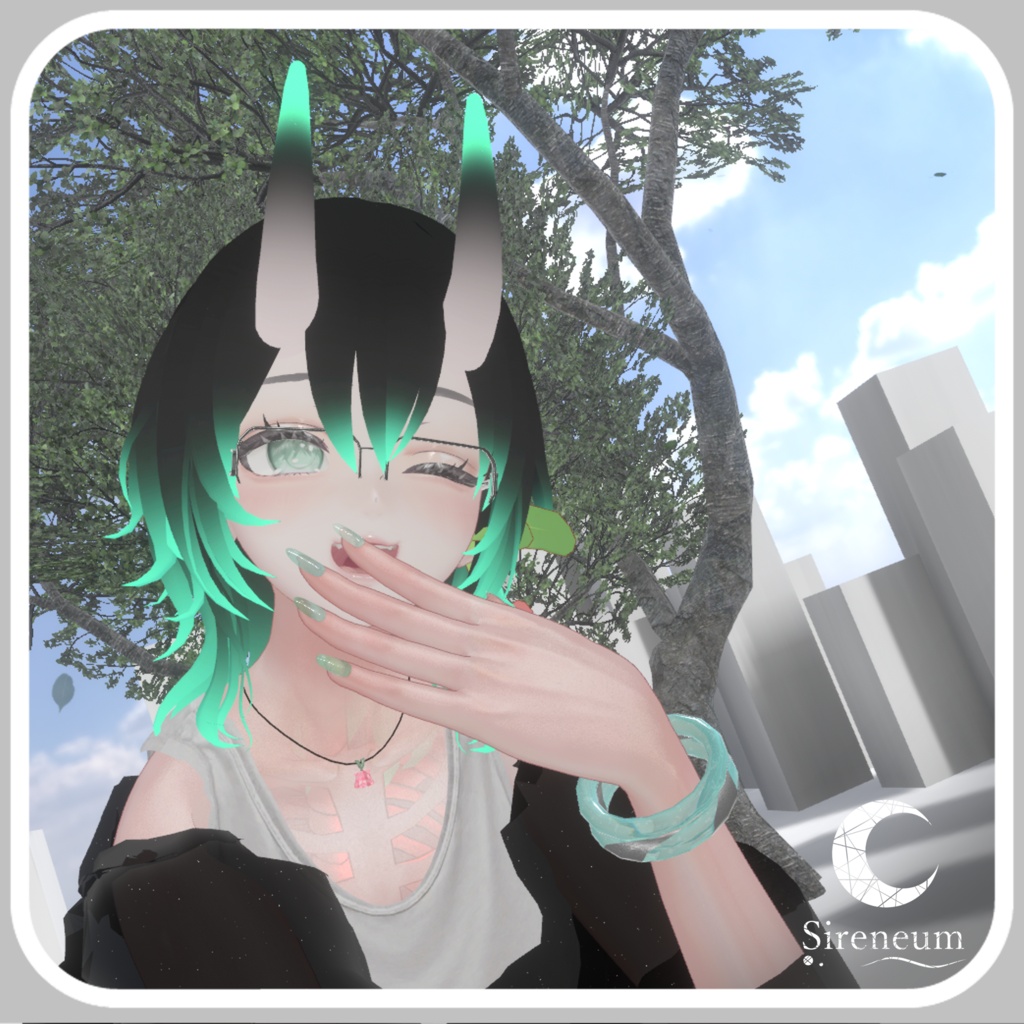
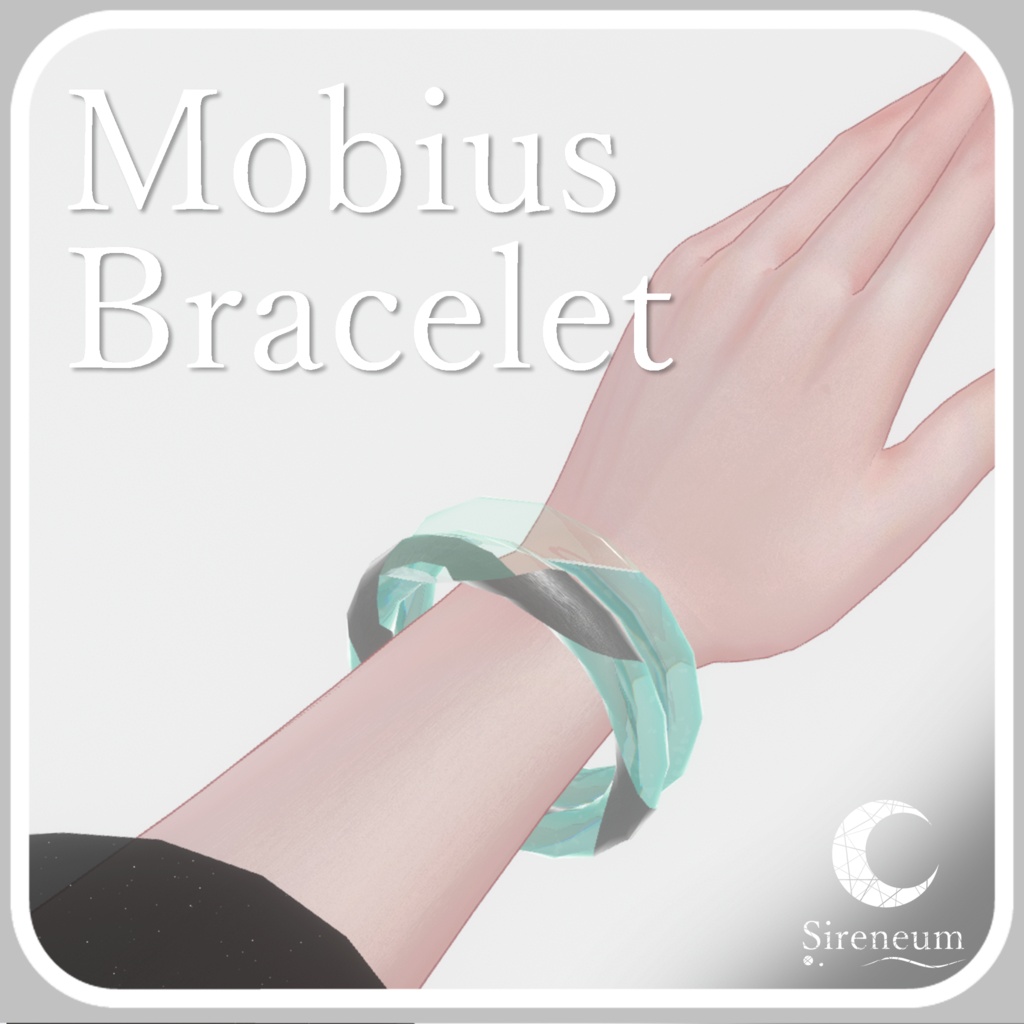
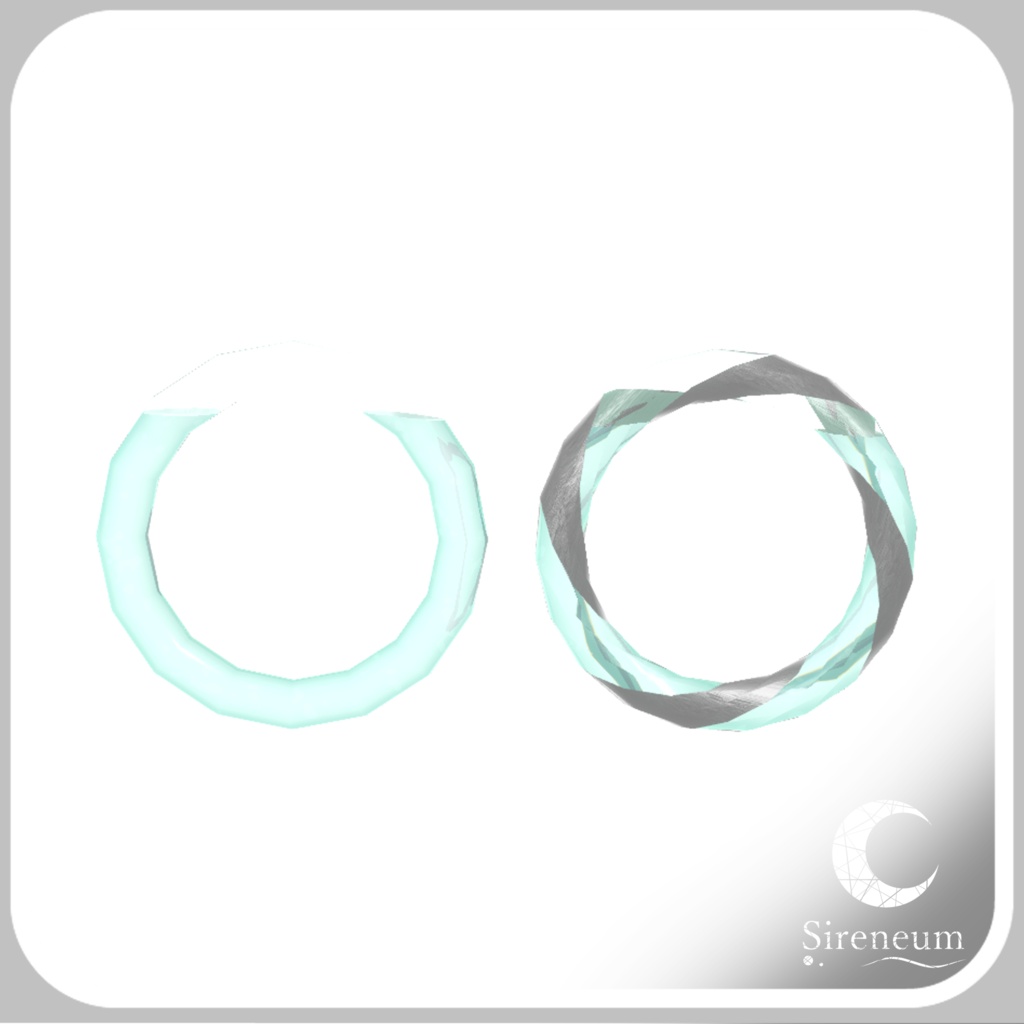
内側に閉じ込めたのは、 時の流れか、遠い海の記憶か。 揺らめくひとしずくは、 永遠に巡る夢のように。 その輪がほどけることは、決してない。 【内容物】 ・Mobius Bracelet.Zip License https://drive.google.com/file/d/1Icft4xLHMfv6nYWQZ8NVU9MKlEat1cVK/view?usp=sharing 【導入方法】 ・事前に以下のアドオンを導入してください(必ず最新版の導入をお願い致します。) 【liltoon】 https://booth.pm/ja/items/3087170 【ModularAvatar】 https://modular-avatar.nadena.dev/ja 【Audiolink】 ・.本体UnityPackageをインポートし、  Prefabをアバター直下にドラッグアンドドロップ ・位置調整 ・アバターをアップロードして完了 ーーーーーーーーーーーーーーーーーーーーーーーーーーーーーーーーーー What lies captured within— the passage of time, or memories of a distant sea? A single droplet gently sways, like a dream that circles for eternity. And this endless loop shall never unravel. 【Contents】 Mobius Bracelet.Zip License https://drive.google.com/file/d/1Icft4xLHMfv6nYWQZ8NVU9MKlEat1cVK/view?usp=sharing 【How To Use】 ・Please install the following add-ons beforehand (make sure to use the latest versions): [lilToon] https://booth.pm/ja/items/3087170 [ModularAvatar] https://modular-avatar.nadena.dev/ja 【Audiolink】 ・Import the UnityPackage, then drag and drop the prefab directly under your avatar. ・Adjust the position as needed. ・Upload your avatar — setup complete!
【MA対応】Mobius Bracelet
内側に閉じ込めたのは、 時の流れか、遠い海の記憶か。 揺らめくひとしずくは、 永遠に巡る夢のように。 その輪がほどけることは、決してない。 【内容物】 ・Mobius Bracelet.Zip License https://drive.google.com/file/d/1Icft4xLHMfv6nYWQZ8NVU9MKlEat1cVK/view?usp=sharing 【導入方法】 ・事前に以下のアドオンを導入してください(必ず最新版の導入をお願い致します。) 【liltoon】 https://booth.pm/ja/items/3087170 【ModularAvatar】 https://modular-avatar.nadena.dev/ja 【Audiolink】 ・.本体UnityPackageをインポートし、  Prefabをアバター直下にドラッグアンドドロップ ・位置調整 ・アバターをアップロードして完了 ーーーーーーーーーーーーーーーーーーーーーーーーーーーーーーーーーー What lies captured within— the passage of time, or memories of a distant sea? A single droplet gently sways, like a dream that circles for eternity. And this endless loop shall never unravel. 【Contents】 Mobius Bracelet.Zip License https://drive.google.com/file/d/1Icft4xLHMfv6nYWQZ8NVU9MKlEat1cVK/view?usp=sharing 【How To Use】 ・Please install the following add-ons beforehand (make sure to use the latest versions): [lilToon] https://booth.pm/ja/items/3087170 [ModularAvatar] https://modular-avatar.nadena.dev/ja 【Audiolink】 ・Import the UnityPackage, then drag and drop the prefab directly under your avatar. ・Adjust the position as needed. ・Upload your avatar — setup complete!